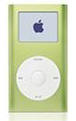
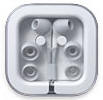
Santa Andy forced me into the Apple world this holiday season. My new iPod mini holds 1000 songs but to appreciate this toy fully I recommend a few extras. First toss out the ear buds that come with the unit and replace them with either the in ear Apple earbuds pictured ($40) to the right or your favorite noise canceling ear phones. The original earphones tend to fall out of the ear when you try to move about. The second must have accessory is the docking stand($27). The iPod comes with plenty of cables but this stand allows you charge the unit and attach it to either your PC or auxiliary stereo input at the same time, plus it keeps the iPod neat and easy to access. I use mine with my home stereo.

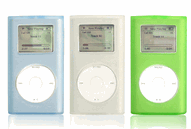
Next up are cases. iPods aren't cheap and you may want to protect yours from scratches and drops. I use the iPod skins ($20), soft sides form fitting cases that protect the iPod but still allow access to the controls, these cases also have a lanyard attachment so you can wear it on the bus or subway.
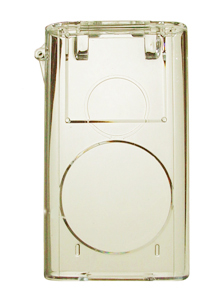
The second case is a hard shell case ($14) that also acts as stand, perfect for the office. This case totally protects the iPod and when the front cover is folded back it converts into a stand with open access to the controls and headphone jack.
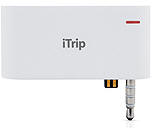
This little baby broadcasts your iPod over the FM band. Perfect for the car or hotel room. You can listen to your tunes without wires, all you need is a FM radio. It does take a little work to find open channels in large cities but the iTrip ($40) comes with extra software that allows you to program the open channels in your area onto the iPod.
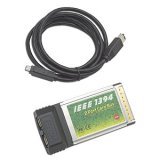
To get the most out of you iPod you will want a FireWire connection (faster than USB) if you don't have one. I chose a PCMCIA card for my notebook ($29). This type of connection makes loading new music very fast and easy.
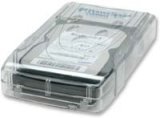
The next item you may want to consider is an external hard drive. I found 160 GB drive for around $130. This puppy will hold 40,000 songs and since it is external you can move when you upgrade your PC. Trust me, once you start converting your music it will fill up your PC's hard drive quickly. This hard drive can also be used to make back-ups of your computer's hard drive, never a bad idea.
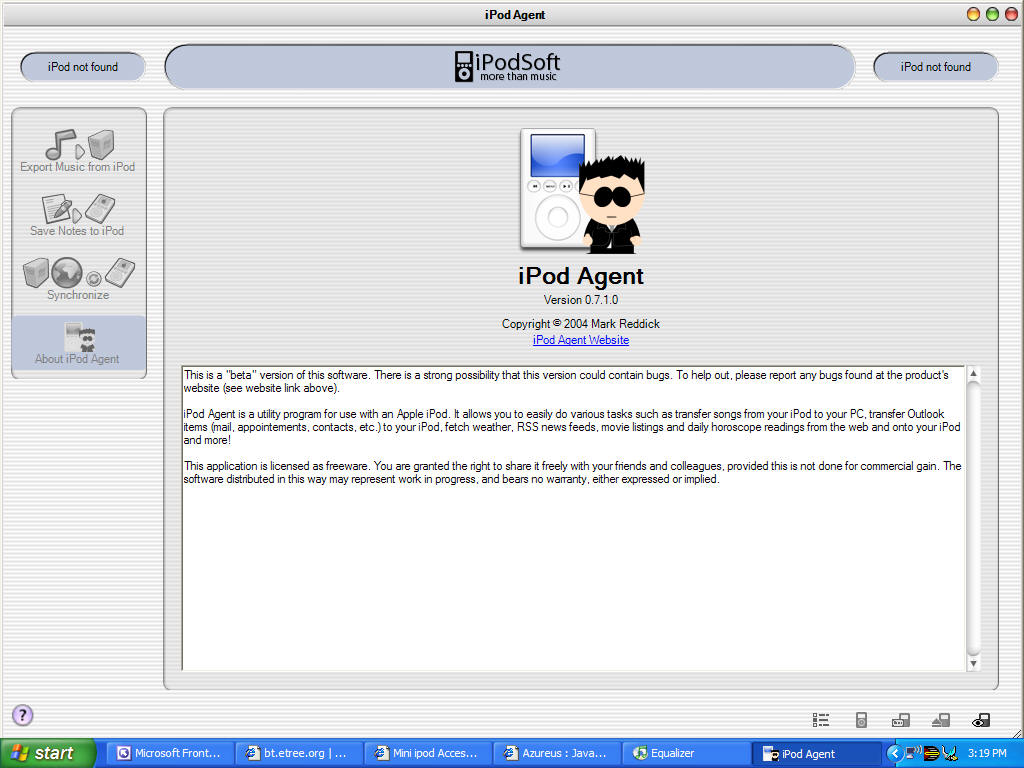
Apple says that you can't take music off the iPod, it is a one way transfer from your PC to your player. Hmmm. I found this little utility that makes your iPod do your bidding. With iPod Agent I can bring my empty iPod to Andy's and load it up with music from his collection then download it onto my PC when I get home.
Download:
iPod Agent
iTunes: Apple's software and tools for managing your music collection, iPod, and it can also be used for downloading music from Apple's music online music store. It's simple, legal, and it should be enough for most users.
Azureus: This is latest and greatest tool in the P2P world. If you are willing to learn a few tricks (like converting file formats) and you aren't bothered by copyright laws then this is the shizzle. Forget the old Kazaa, downloading one song at a time, with Bit Torrent technology you can download entire albums and artist catalogs. Want every Doors album at once? Click and wait. This technology has you downloading the files from multiple peer users at once and this make it nearly impossible to trace. Decoy files are minimal and the current selection of available content is mind boggling. Torrents, as they are called, can be downloaded from a ton of sites. My favorites are:
- http://torrentreactor.net/
- http://bt.etree.org/index.php
- http://www.pctorrent.com/index.php
This is why I need the external hard drive. I have a feeling these sites may not last long since there are obvious copyright issues. If this doesn't bother you then download while you still can.
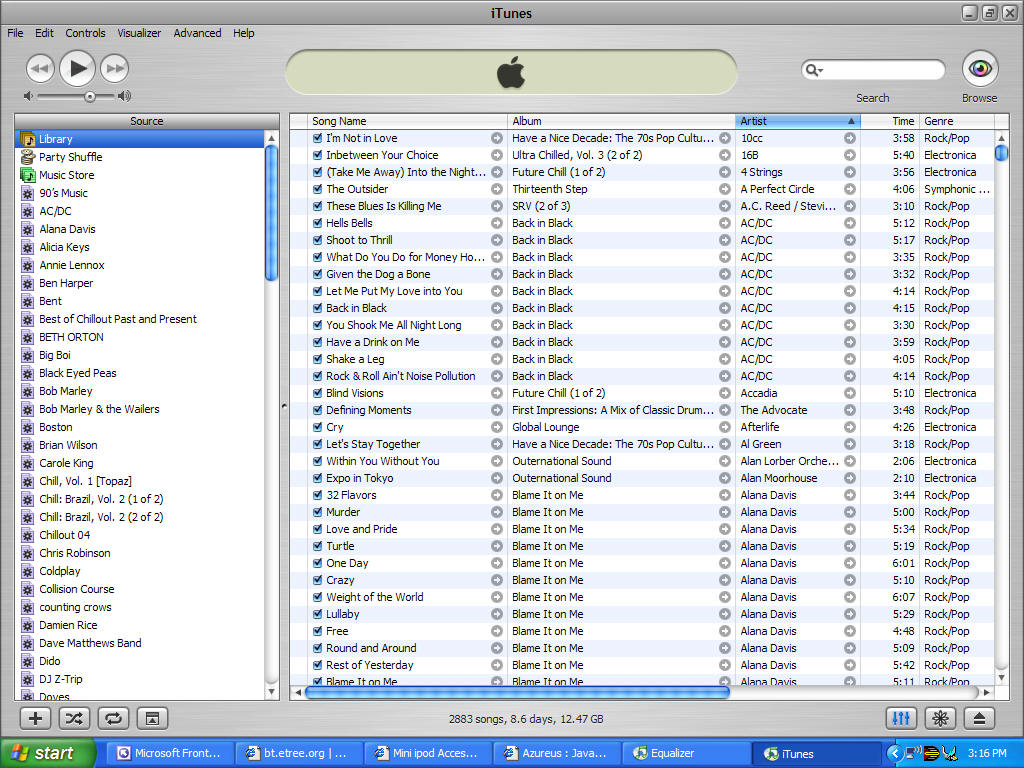
Download: iTunes
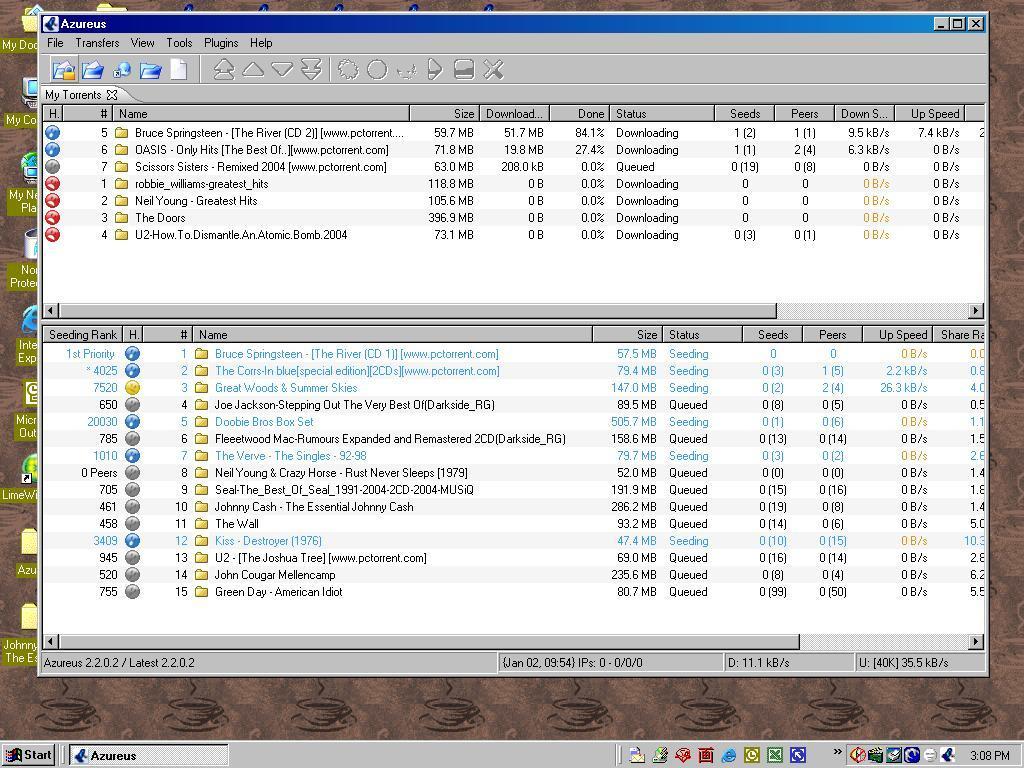
Download:
Azureus

Peace,
Sean